Solid Edge Data Management

Easy file management—no IT support necessary
Solid Edge data management provides excellent capabilities for smaller manufacturers who may be struggling to work with fast growing volumes of CAD files. Setup is fast—just place an index on the folders where you store your Solid Edge files.
Review and edit properties of multiple files, and perform revision and release operations on Solid Edge parts, assemblies and drawings. Backup, share, and synchronize your Solid Edge files using popular cloud-based file sharing software like Dropbox, OneDrive, Google Drive and Box.
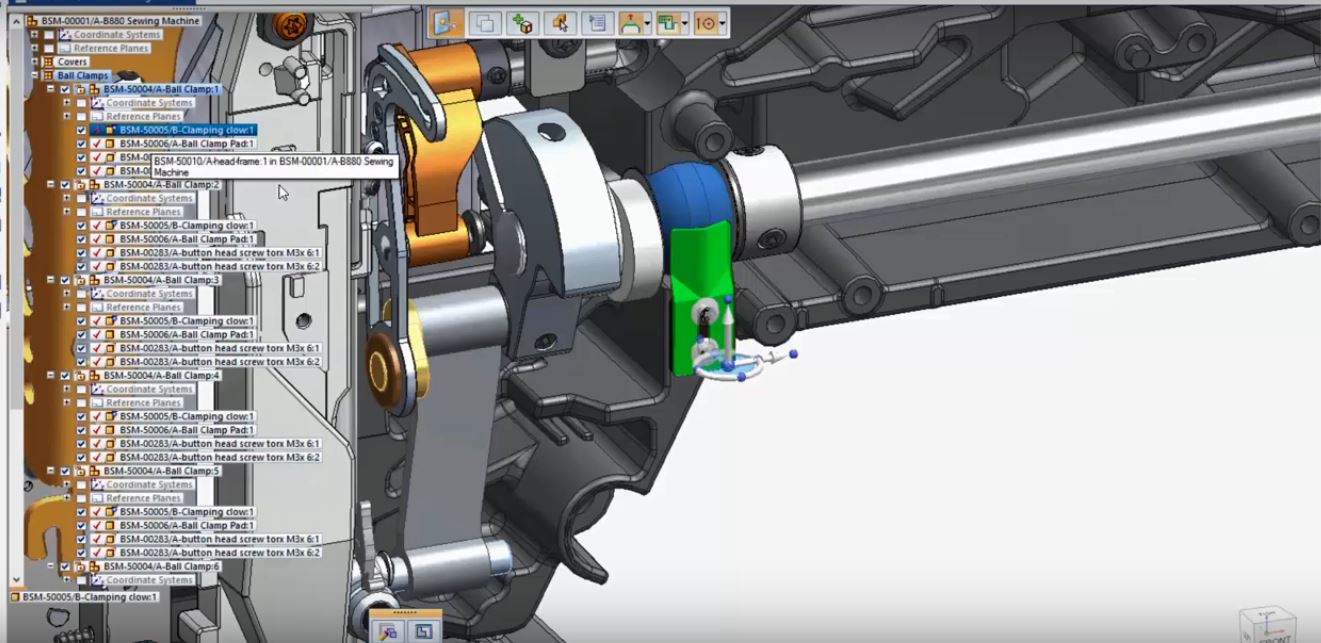
Fast setup, no database software to maintain
Solid Edge Data Management capabilities use standard Windows indexing technology to store information about your Solid Edge files. There is no database software to install or maintain so no need for IT support. Simply place indexes on the folders where your Solid Edge files are stored and get started immediately.
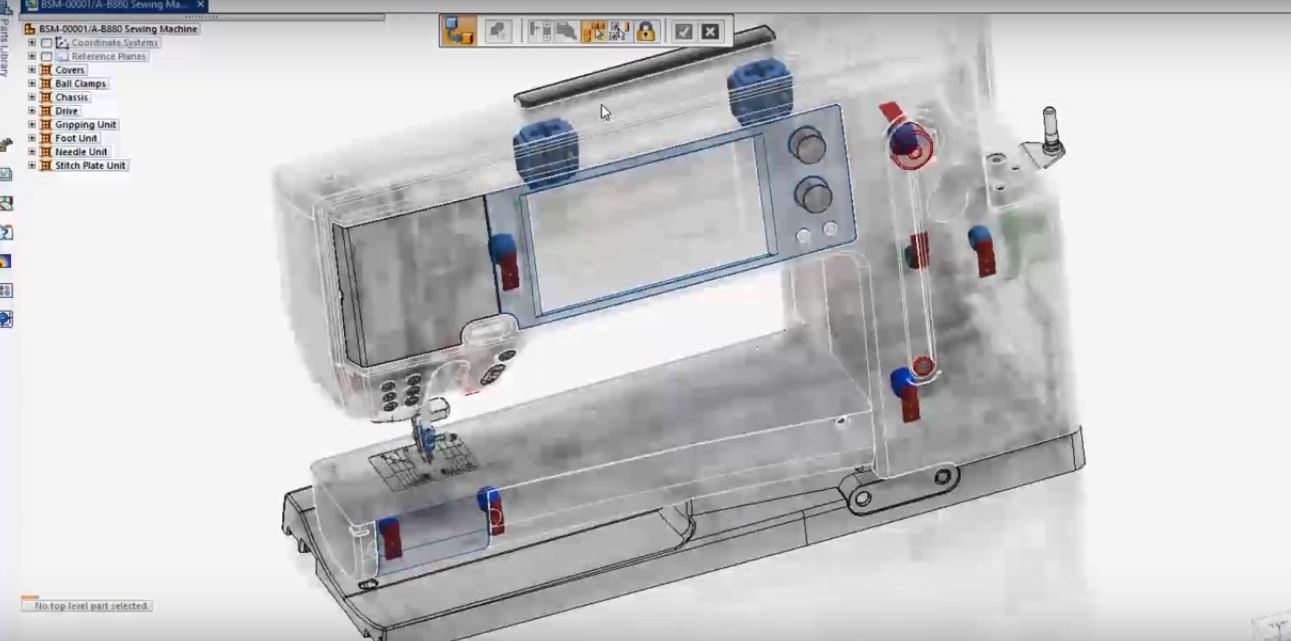
Instant searches and integrated properties management
You can search quickly for the files you need from Windows Explorer or from Solid Edge using file names and standard or custom properties. You can also run “where-used” searches that enable you to find where a part is used in assemblies and drawings; you can then quickly assess the impact of planned changes on existing assemblies.
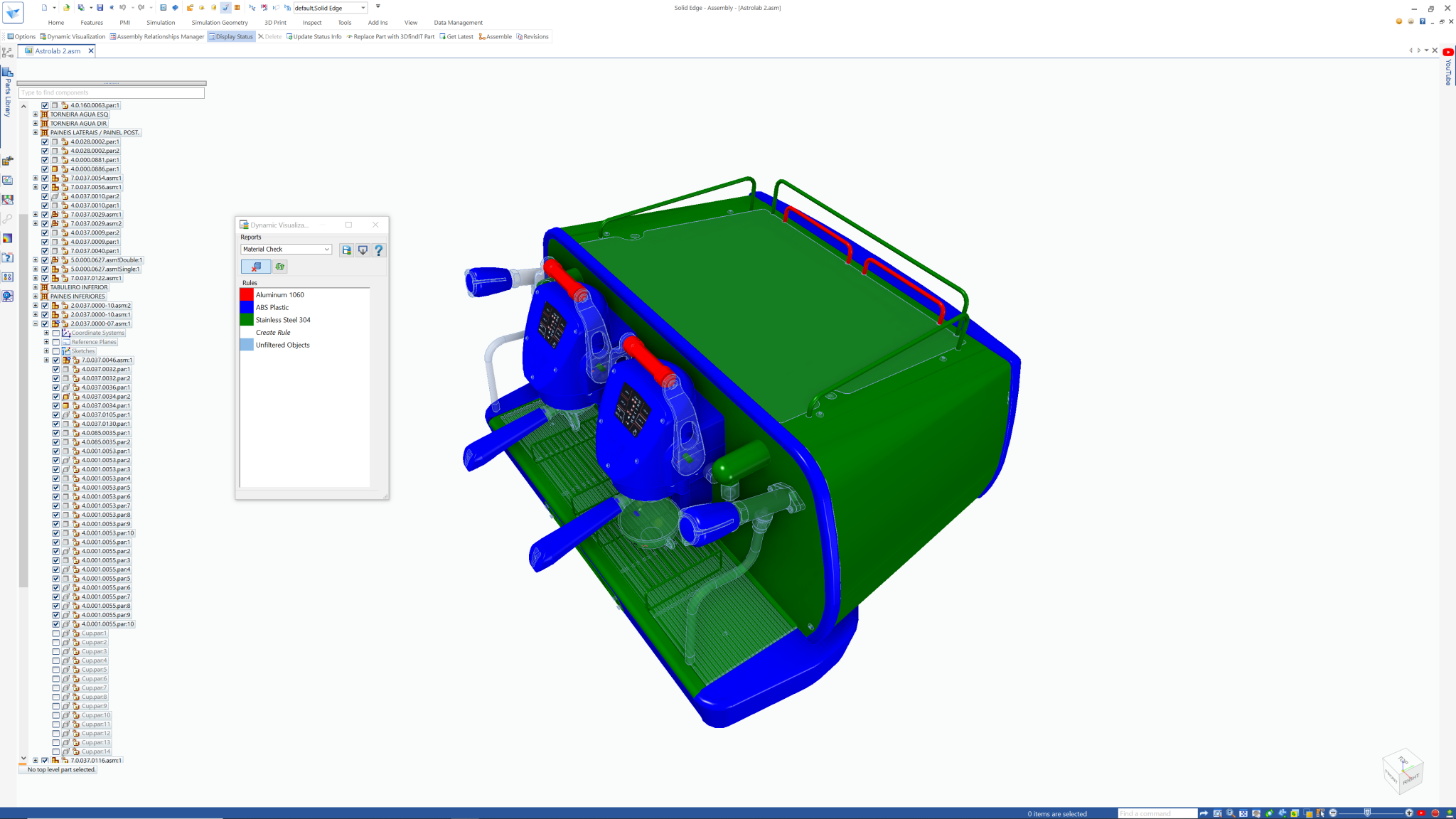
Your design data in clear view
Built-in customized reports for Solid Edge, Dynamic Visualization provides dynamic methods for viewing and sorting assembly parts and components. The visual reports are built on rules that are easily created with “Excel-like” filters within interactive tables.
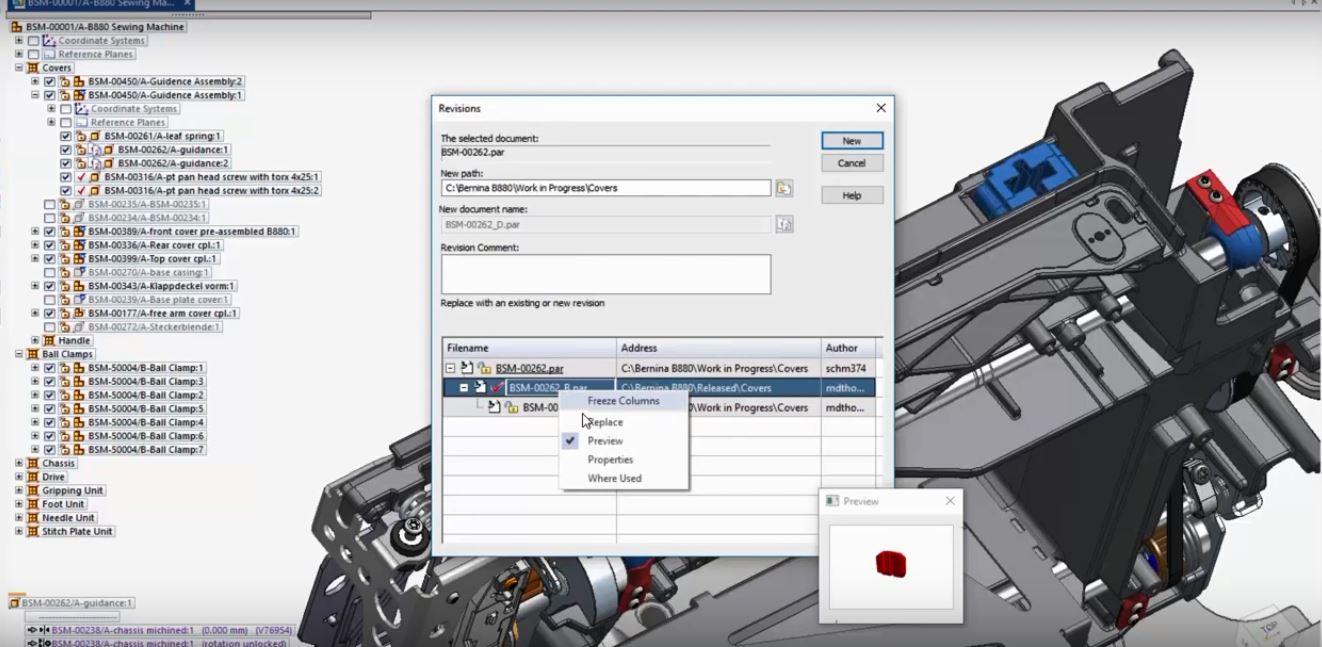
Your design data in clear view
Built-in customized reports for Solid Edge, Dynamic Visualization provides dynamic methods for viewing and sorting assembly parts and components. The visual reports are built on rules that are easily created with “Excel-like” filters within interactive tables.
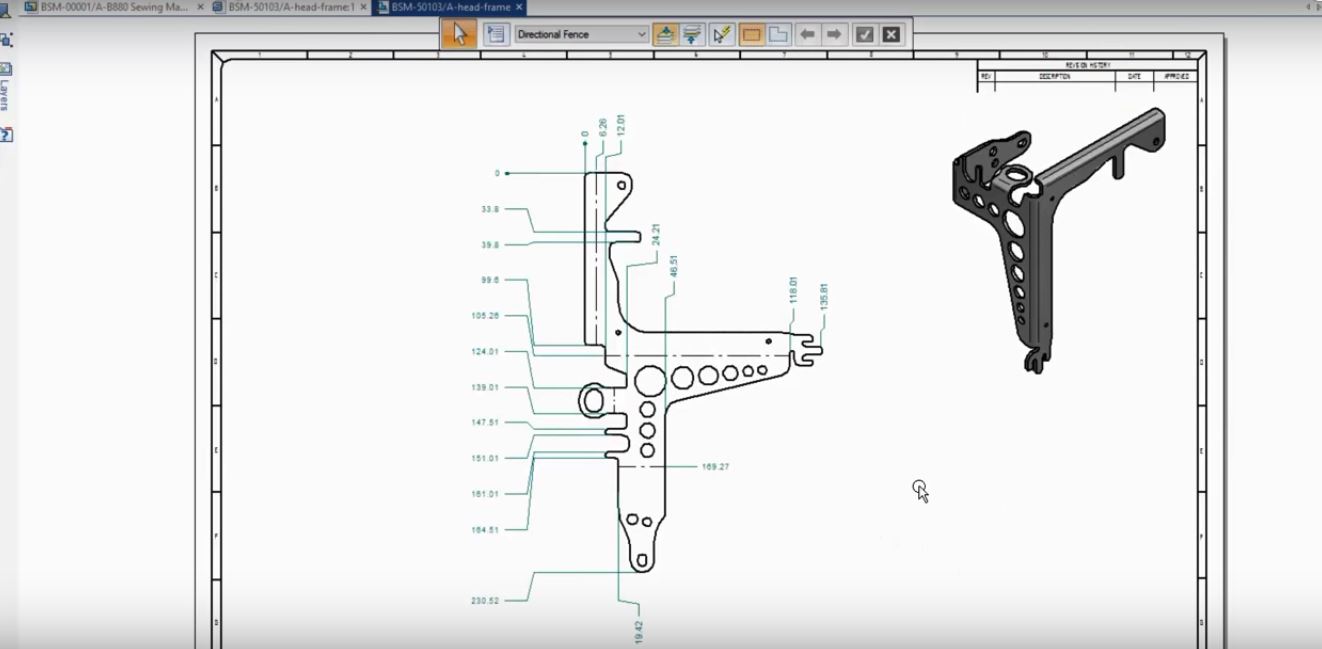
Your design data in clear view
Built-in customized reports for Solid Edge, Dynamic Visualization provides dynamic methods for viewing and sorting assembly parts and components. The visual reports are built on rules that are easily created with “Excel-like” filters within interactive tables.
Your design data in clear view
Built-in customized reports for Solid Edge, Dynamic Visualization provides dynamic methods for viewing and sorting assembly parts and components. The visual reports are built on rules that are easily created with “Excel-like” filters within interactive tables.
How real companies are using Solid Edge Data Management

Sensile Medical | Switzerland
Successful growth with end-to-end innovation platform
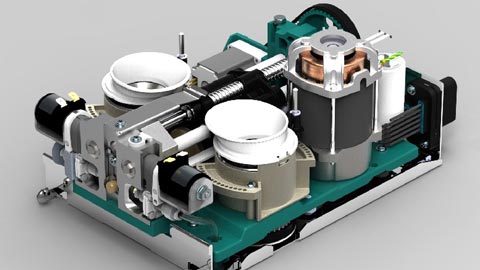
Thermoplan | Switzerland
Swiss coffee machine manufacturer optimizes development and production
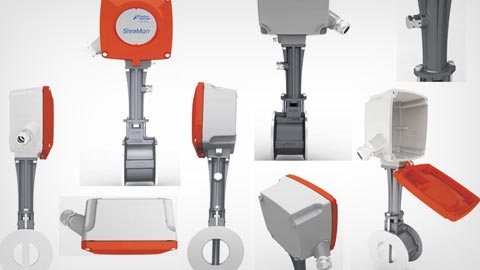
Forbes Marshall | India
The award-winning firm focuses on the process with switched to 3D
Ready to Grow?
Get in Touch